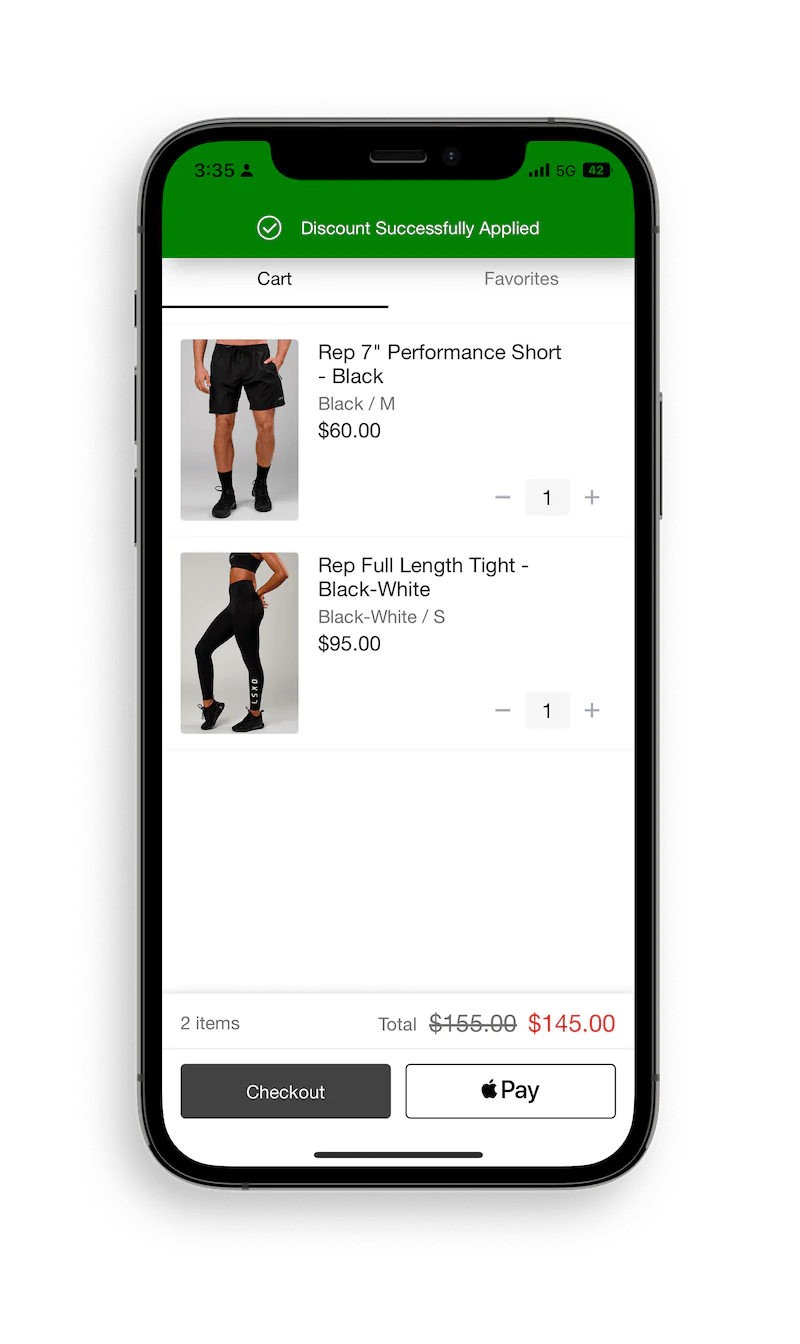
HOW DO I REDEEM POINTS?Updated 7 months ago
First off, make sure you are logged into your account. Once you're logged in, at checkout there will be a drop-down option prompting you to redeem points. Using the APP? Scroll down, we got you! 
Heads-up points are not combinable with discount codes, free gift with purchase, promotional or sale items. Have too much time and want to read the T&Cs? click here.
Using the APP?
Follow the below steps 👇
STEP 1:
Follow the below steps 👇
STEP 1:
Login to your Rewards Account:
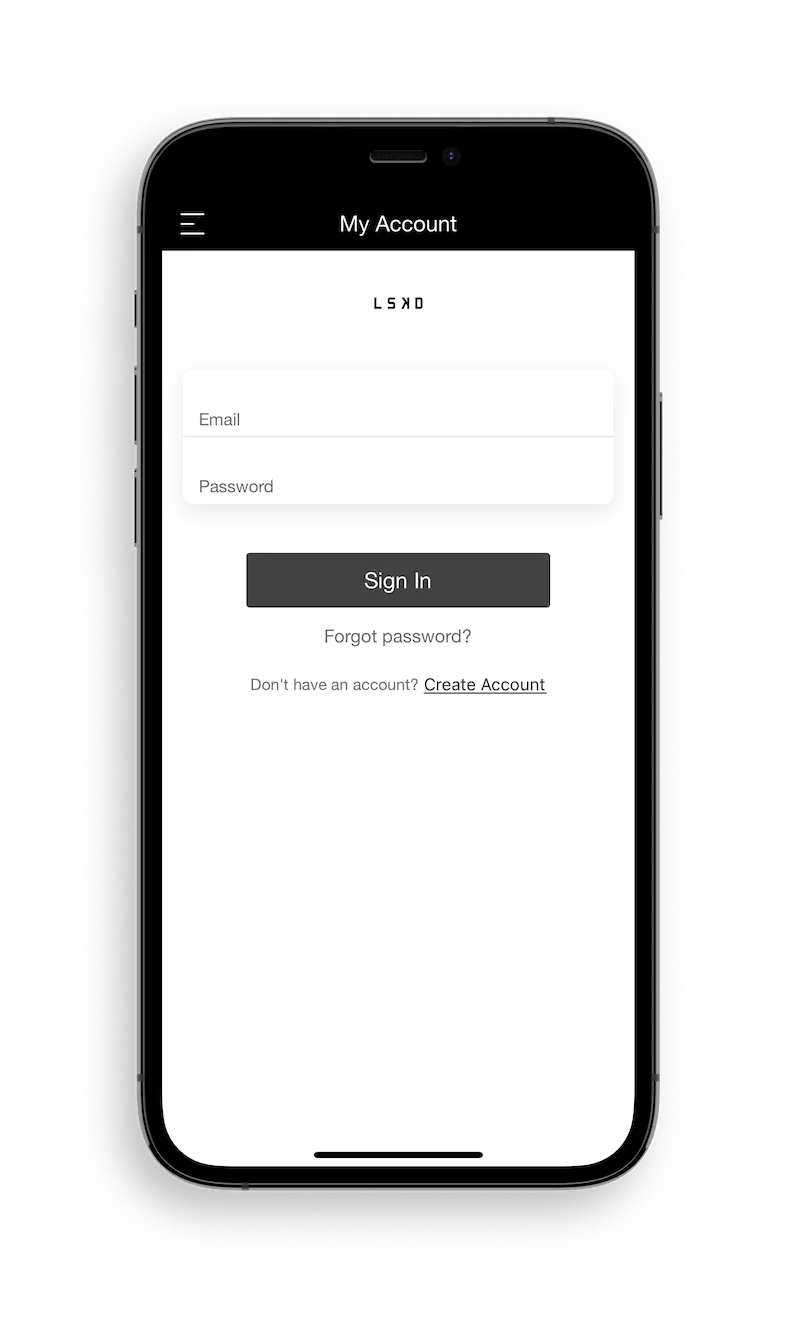
STEP 2:
Click the Rewards icon at cart 🛒
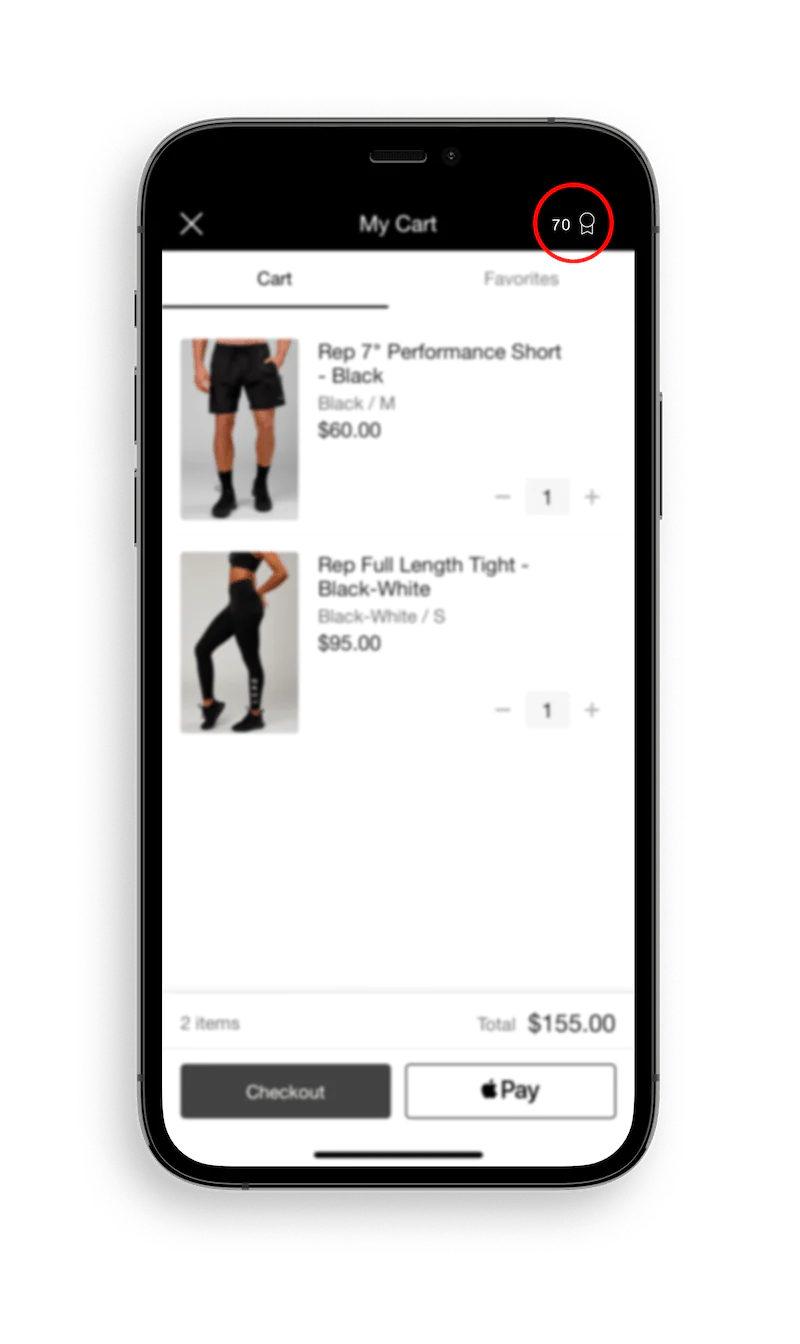
STEP 3:
Choose your reward 💰
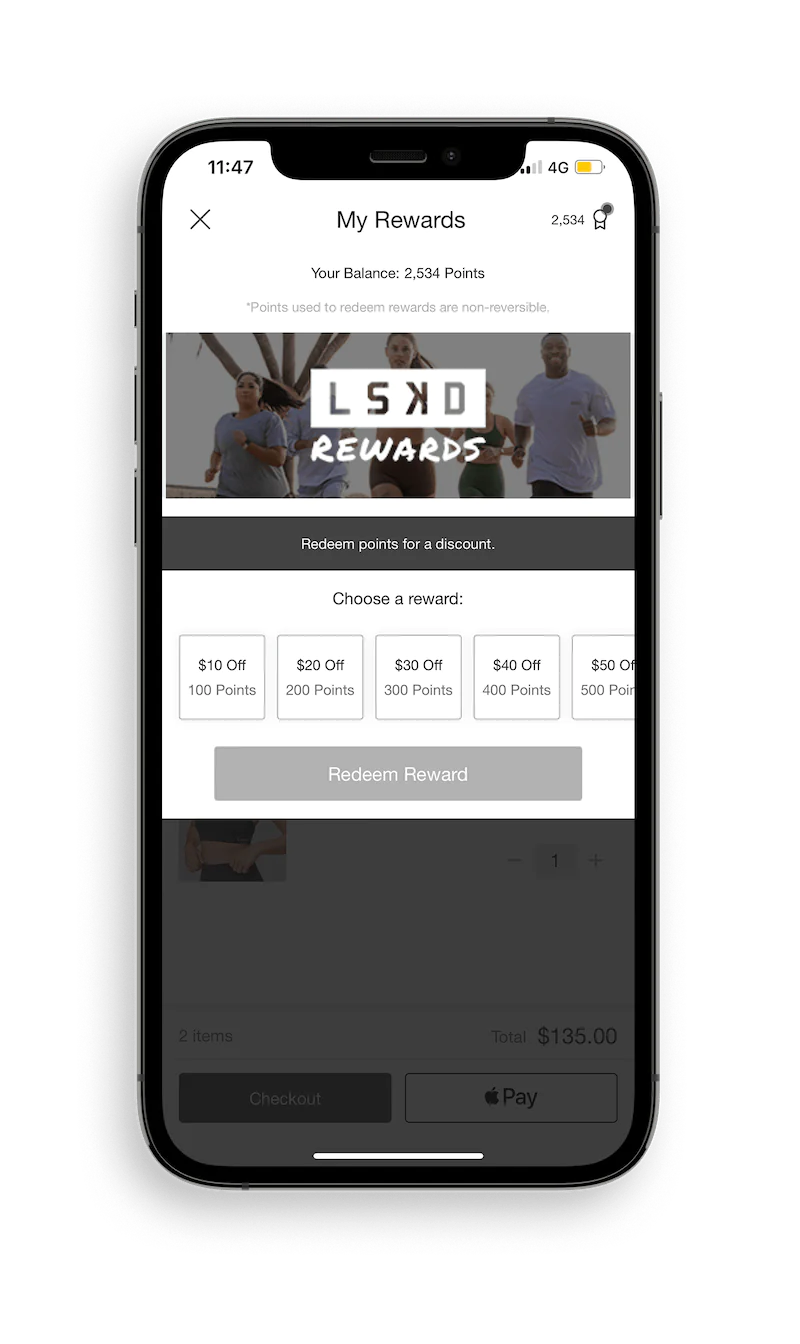
STEP 4:
Redeem your reward!